Media
Pro Presenter
Pro Presenter
Pro Presenter FAQs
- Pro Presenter
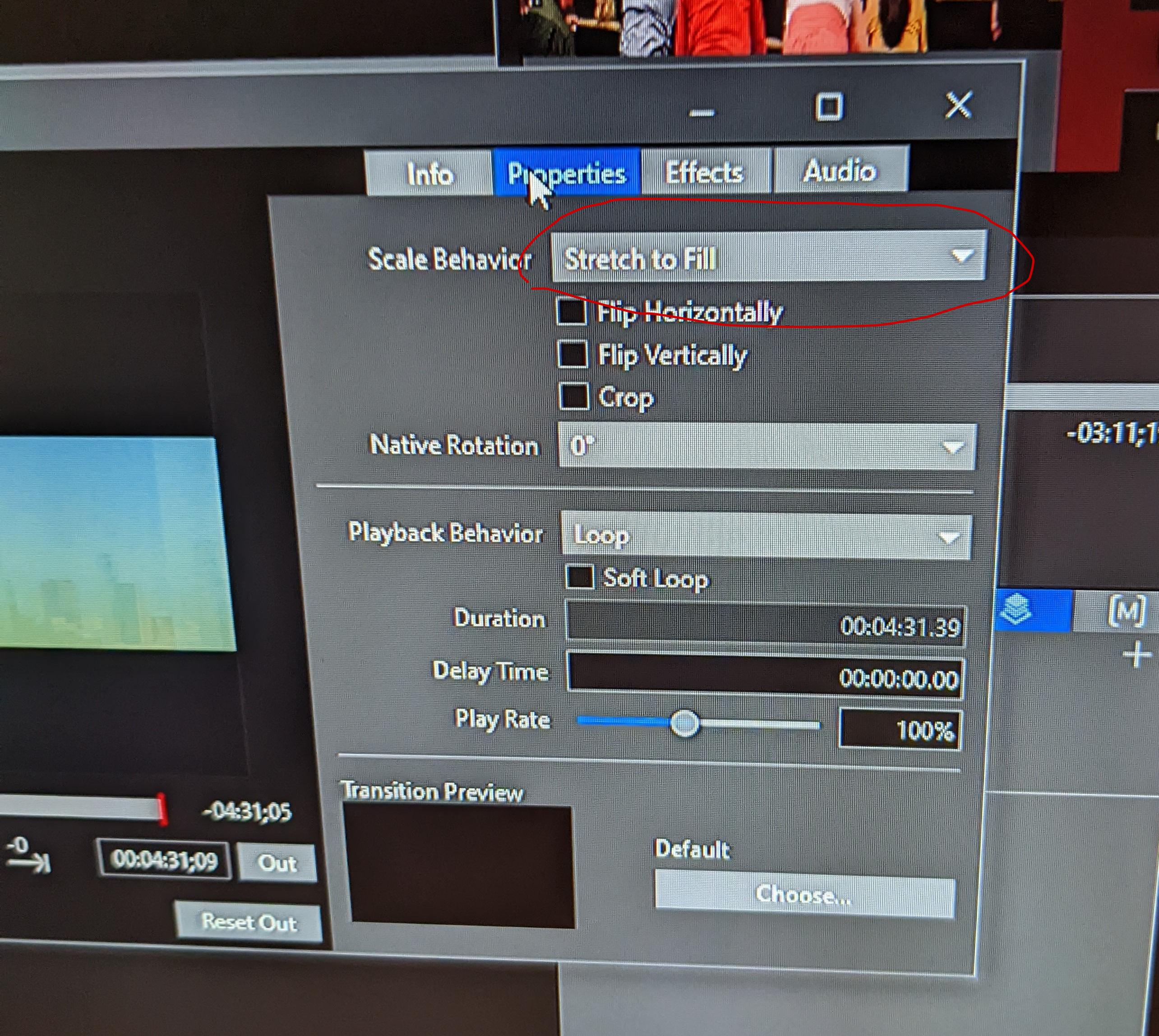
- Videos with a custom size on main screen needed to be set to “Stretch to Fill” instead “Scale to Fit” so they look correct.

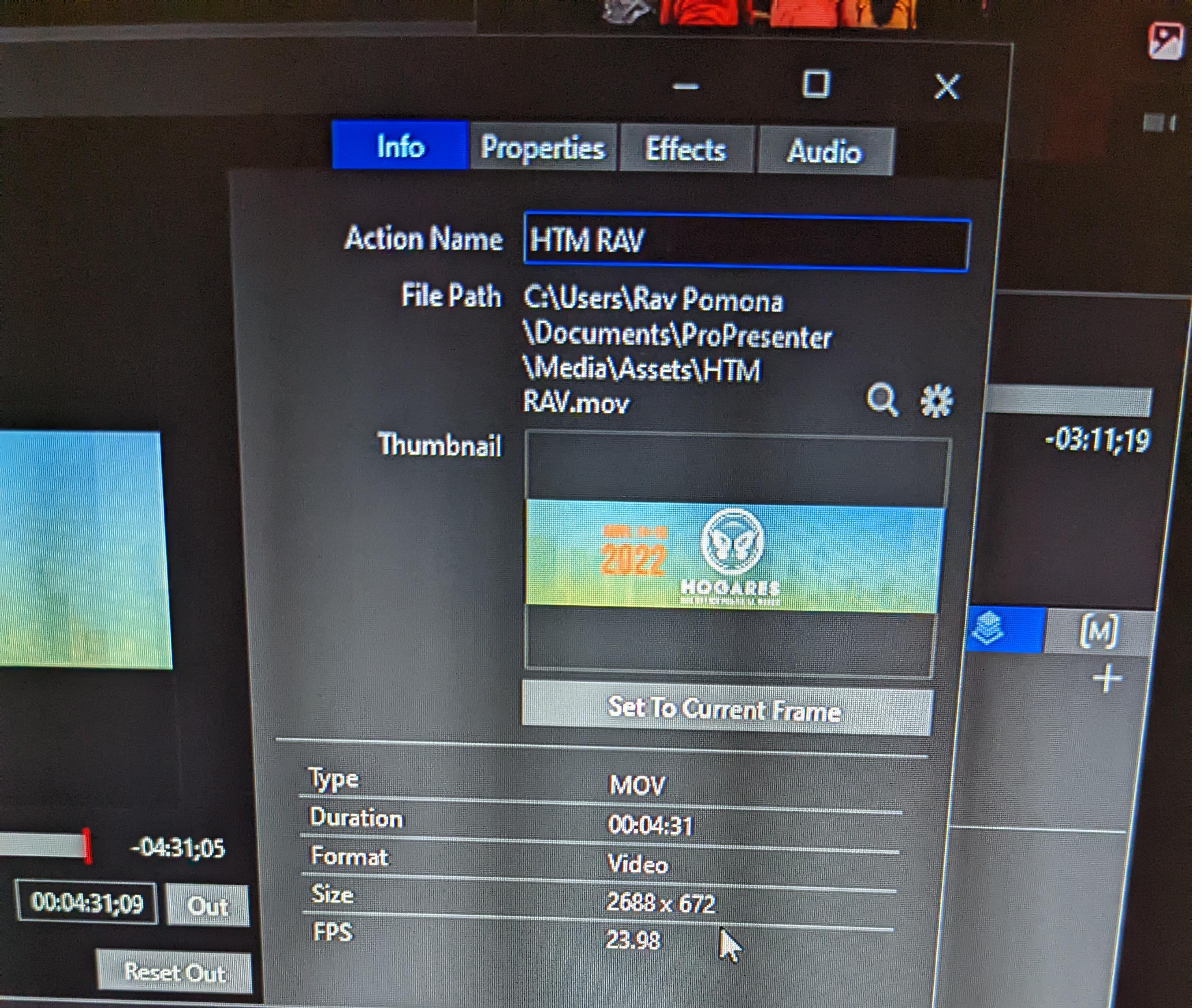
- Custom size for the main screen should be set to 2688x672

- Videos with a custom size on main screen needed to be set to “Stretch to Fill” instead “Scale to Fit” so they look correct.
Video
Video
Black Magic Atem Video Mixer
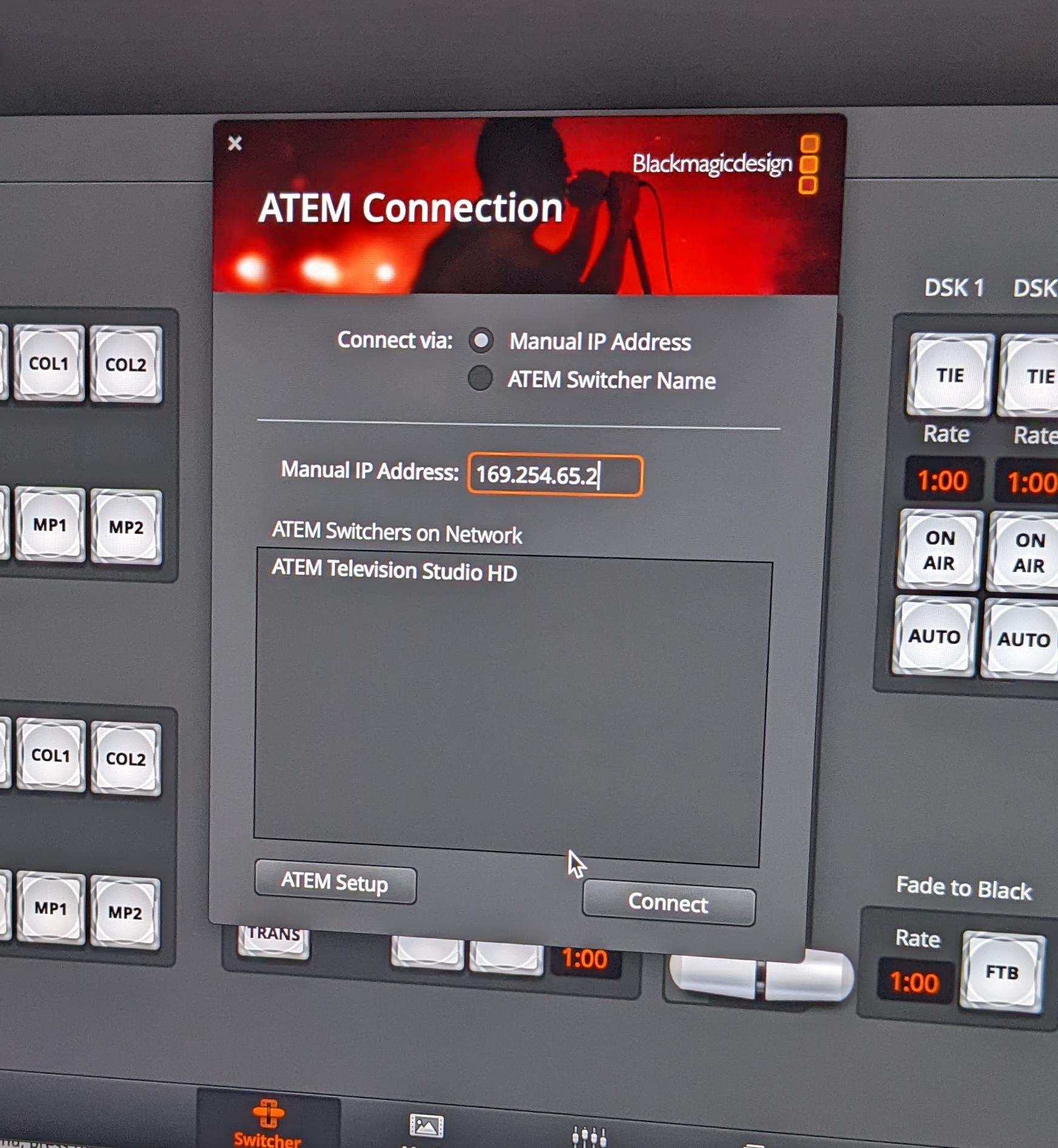
- The Black Magic Atem Video Mixer is connected via the network with an IP address of 169.254.65.2

Video
Side TV Video Feeds
-
Side TVs
-
The side TVs are getting their signal from the secondary monitor that (know as "Stage" by Pro Presenter) via a HDMI splitter behind the main monitors.
-
-
If NO SIGNAL check to see that the Decimater is getting a signal IF NOT
-
Then check the Secondary (Stage) monitor) and make sure refresh rate is set to 59hz.
-
The settings for the monitor refresh rate is found by right clicking on the Secondary monitors desktop and clicking on the Nvidia settings and going to your monitors resolution adjustment and looking up the refresh rate.
-
-

Video
Roland Mixer Flowchart
